“Do I feel better after more sleep?”
Compare your sleep records with the days you rated well. Look at the pattern, and how much information is behind it.
Bring your sleep, workouts, mood and other records together. Explore the patterns, and see what’s behind them.
A free, open-source app for your own computer.
We’re preparing a free app for Macs with Apple silicon (M1 or newer). The goal: download, open the icon, and follow a simple setup.
We’re finishing the installation checks. The free download will appear right here when it’s ready.
Follow the Mac release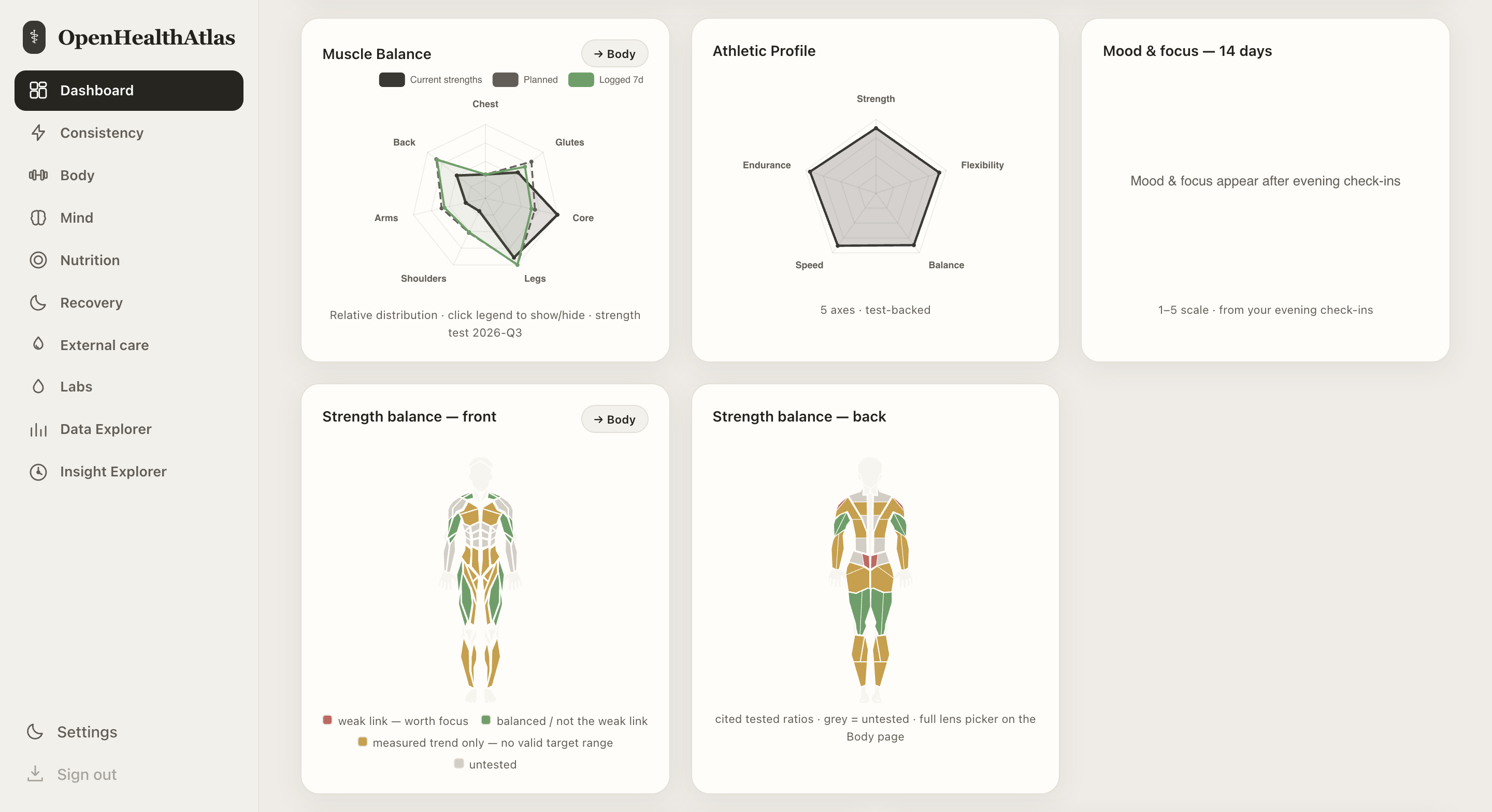
You already have records. Make them useful by looking at how your days, habits and training fit together.
Compare your sleep records with the days you rated well. Look at the pattern, and how much information is behind it.
Explore how your logged exercises target muscle groups, and compare your recent training with your plan.
Bring sleep, activity, recovery and mood into the same view. Find differences worth paying attention to.
Look beyond a summary. See which records were used, the dates they cover, and where information is missing.
If you connect an AI assistant, Open Health Atlas does the calculations and gives it evidence to work with. Your assistant helps you explore what that evidence could mean.
Look around the interface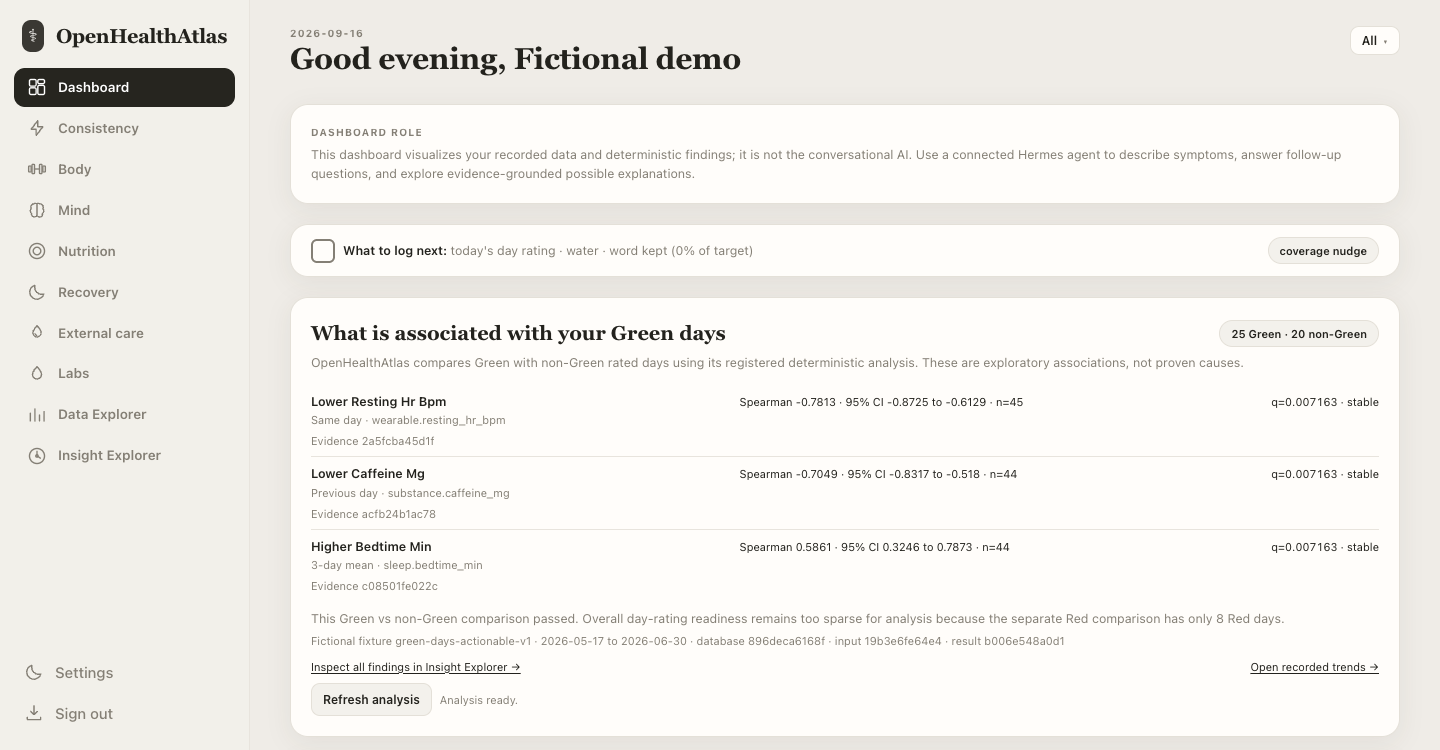
Use the dashboard on its own, or connect an AI assistant you choose.
The app stores your records on your computer. This website is an introduction and demo link, not a place to upload your health data.
A compatible AI app can connect to your records through MCP, a standard connection for AI tools. Existing Hermes and Telegram workflows are also supported with separate setup.
An external AI service may receive the records you ask it to use. Its privacy settings and fees apply.
The source code is public. You can inspect how the calculations work, share ideas, or help make the product better.
Explore the source code
Take a look around with fictional records.
Your own data can wait until you’re ready.
No signup or download. A read-only preview of the interface.
The demo stays on Kajeesan’s website, where you can explore the screens before installing anything.
It uses fictional records and doesn’t save changes or run live analysis.
Open the existing demoNew to this? Start here.
Yes. Open Health Atlas is free and open source. The planned Mac download will be free too. If you choose to connect a paid AI service, that service may have its own subscription or usage charges.
You can explore the browser demo right now without any technical setup. The upcoming Mac app is designed to be installed and opened like an ordinary app. Today’s source version still needs developer setup.
The product has entry and import tools for areas such as training, sleep, nutrition, mood, symptoms and lab records. The available import format depends on the source. It doesn’t automatically connect to every wearable or understand every file.
See the current product scopeNo. The local dashboard, records and calculations work without one. For conversational help, you can use a compatible external AI client. That connection is optional and has its own setup.
The demo is a clickable, read-only snapshot with fictional data. It lets you explore the interface, but it doesn’t save entries, run live calculations or connect to an AI. Screens may differ from the current app.
macOS with Apple silicon is the first desktop target. Windows and Linux desktop installers are planned for later; no release dates are set. The current source setup supports macOS and Linux.
I started Open Health Atlas to explore my own muscle imbalances and understand what makes a day feel good or bad. The project grew from wanting a clearer view of my everyday records.
Kajeesan Jeevendra · Creator